Use cases · Sectors in development
ownMap for every environment
Beyond universities and local councils, ownMap adapts to many environments that welcome the public. These sectors are currently in development at ownMap : discover how interactive mapping can meet your specific needs.
Use case
Arriving at the campsite, without stress or paper leaflets.
Campsites
A holidaymaker’s first impression is crucial for your campsite’s image. ownMap replaces explanations at reception and paper maps with an interactive map accessible with a single QR code scan, with no app to download. Every guest can easily find their pitch, the restrooms, the pool or the shop as soon as they arrive. A pilot programme for campsites is currently open for the 2026 season, with no commercial commitment.

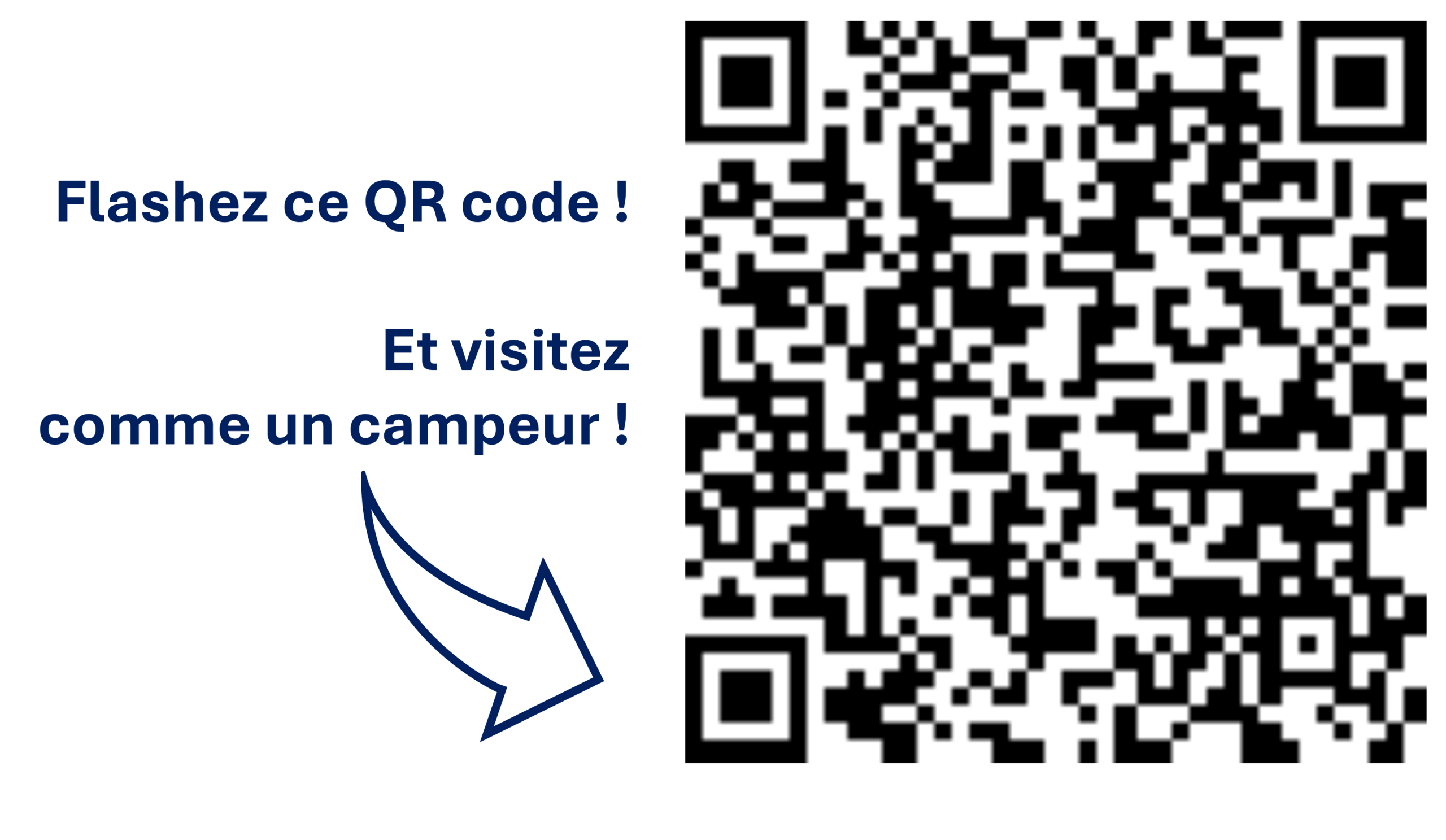
Scan to test a pilot campsite’s map
Before / after
| Criteria | Current process | ownMap – Interactive map |
|---|---|---|
| Welcoming guests | Verbal directions at reception, often repeated several times a day | Instant access via QR code, no further explanation needed |
| Format provided | Paper map handed out on arrival, sometimes photocopied and hard to read | Interactive map on smartphone, no app to download |
| Finding a pitch | Guests have to memorise a route or ask for directions again on site | Route automatically guided to the booked pitch |
| Updating the map | Reprinting required for every change (works, new pitch, season) | Editable at any time, no reprinting or delay |
| Availability of information | Only during reception opening hours | Accessible 24/7, before, during and after arrival |
| Reception workload | Time spent re-explaining the map on every arrival, especially in high season | Reduced: staff focus on welcoming guests rather than giving directions |
| Image / first impression | Depends on the availability and patience of reception staff | A smooth, modern experience from the very first minutes of the stay |
| Recurring cost | Printing, reprinting and stocking paper maps | Predictable subscription, no printing costs |

Use case
Zero stress getting around your hospital.
Hospitals
Patients coming for appointments, families visiting at sometimes difficult moments, staff in high demand: in a hospital, every trip needs to stay simple and reassuring. ownMap guides everyone straight to the right department, doctor or room, with no detours. Reception staff spend less time directing visitors, appointments are kept on schedule more often, and maps stay easy to update every time your premises change.
Before / after
| Criteria | Current process | ownMap – Interactive map |
|---|---|---|
| Welcoming patients and visitors | Directions given at the front desk, often under pressure | Map accessible from arrival, without relying on staff |
| Format provided | Wall map or paper leaflet, sometimes incomplete | Interactive map on smartphone, always up to date |
| Finding a department or doctor | Patients have to ask for directions several times | Route guided directly to the right department |
| Updating the map | Reprinting required for every renovation or new department | Editable at any time, with no delay |
| Availability of information | Limited to opening hours and staff availability | Accessible 24/7, including before the appointment |
| Staff workload | Time spent redirecting patients and families | Lighter : staff give directions in person less often |
| Keeping appointments on schedule | Delays caused by difficulty finding the right department | Fewer delays, schedules better kept |
| Recurring cost | Printing and updating signage | Predictable subscription, no printing costs |
Use case
Every shop found, every visitor satisfied.
Shopping centres
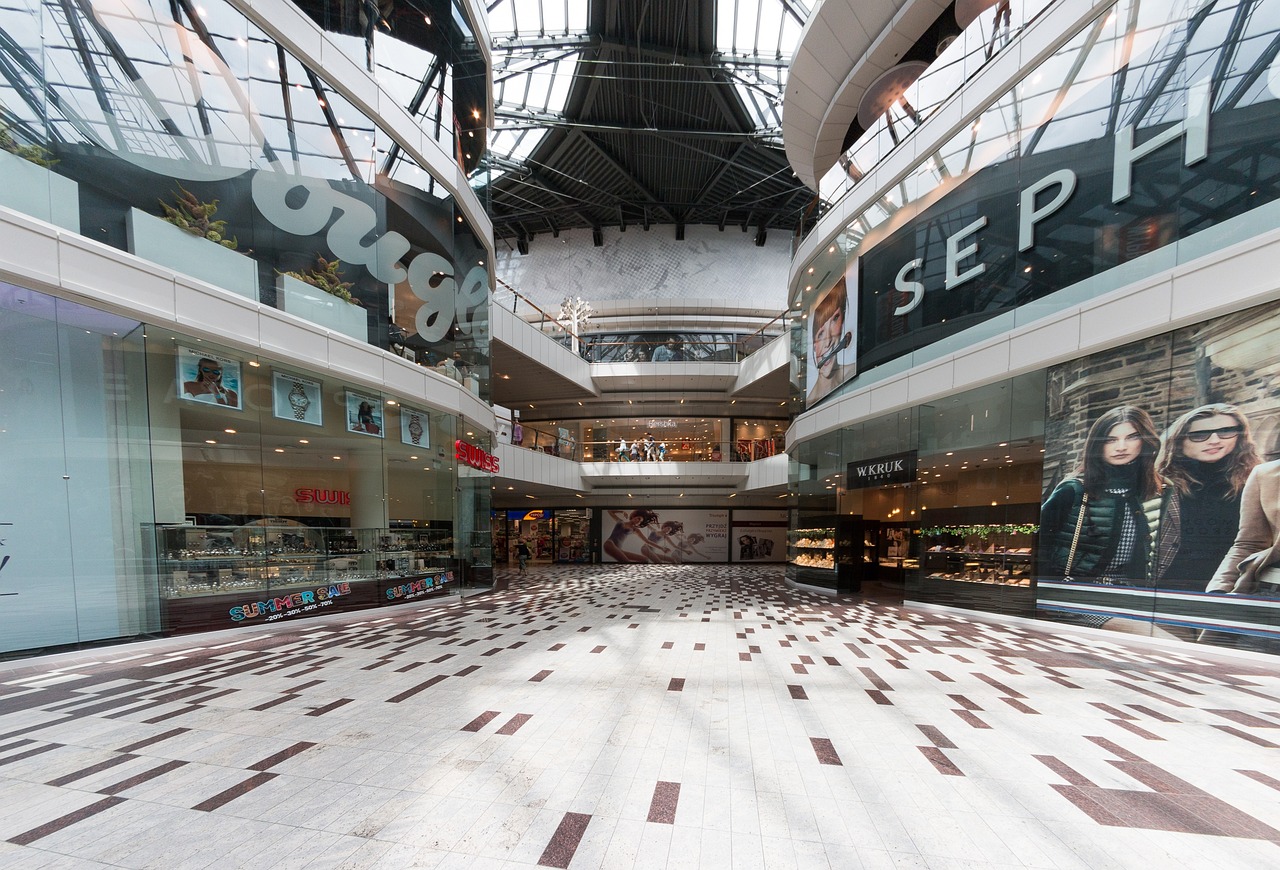
In a shopping centre, stores change often and visitors want to find what they’re looking for quickly. ownMap maps out every walkway and gives each retailer their own visibility, with accessible (PMR) routes and information tailored to each shop. Your visitors save time, your retailers gain footfall, and your map stays up to date effortlessly with every change of store.
Before / after
| Criteria | Current process | ownMap – Interactive map |
|---|---|---|
| Finding a shop | General map displayed at the entrance, with no detail per store | Direct search and guided route to every shop |
| Retailer visibility | Depends on physical location and overall signage | Each store gets its own listing and dedicated visibility |
| PMR accessibility | PMR routes rarely shown on general maps | Accessible PMR routes included natively |
| Updating the map | Reprinting for every change of store | Instant update, with no delay |
| Availability of information | Only on site, at kiosks or on signage | Accessible before the visit, from any smartphone |
| Visitor experience | Searching can take a while, especially in large centres | Fast navigation, a smoother shopping experience |
| Footfall for stores | Depends on foot traffic and physical visibility | Boosted by being listed on the map |
| Recurring cost | Printing and managing maps and signage | Predictable subscription, no printing costs |

Use case
Every exhibitor found, every visitor satisfied.
Trade shows & exhibitions
At a trade show or exhibition, the layout of exhibitors often changes from one edition to the next, sometimes right up to the last minute. ownMap makes it easy to manage each exhibitor’s location, across one or several buildings, and to update the map for free and instantly whenever something changes. Your visitors find the stands they’re interested in faster, and your event gains a more professional image.
Before / after
| Criteria | Current process | ownMap – Interactive map |
|---|---|---|
| Finding exhibitors | Paper map handed out at the entrance, often imprecise | Direct search and route to every stand |
| Last-minute changes | Almost impossible to reflect on a map that’s already been printed | Free, instant changes to a location |
| Exhibitor visibility | Depends on the stand’s physical location | Each exhibitor gets its own dedicated listing |
| Managing multiple buildings or days | Separate maps, hard to coordinate | Centralised management, whatever the building or day |
| Availability of information | Only on site, via the paper map | Available before, during and after the event |
| Visitor experience | Searching can take a while at large trade shows | Fast navigation to the stands you’re after |
| Event image | Depends on how clear the paper map is | A modern experience that reflects well on the organiser |
| Recurring cost | Printing maps for every edition | Predictable subscription, no reprinting |
Use case
No more visitors lost in your corridors.
Business
New employees, hot-desking, frequent reorganisations of space: in a large head office or business campus, finding your way around quickly becomes a daily problem. ownMap replaces printed signage and wall maps, which are always hard to keep up to date, with an interactive map accessible to everyone. Your teams and visitors find a meeting room or an office in an instant, without going through reception — a real time saver that also enhances your organisation’s image.

Before / after
| Criteria | Current process | ownMap – Interactive map |
|---|---|---|
| Welcoming new employees | Verbal directions repeated for every newcomer | Map accessible immediately, independently from day one |
| Format provided | Wall maps or printed signage, hard to update | Centralised interactive map, accessible to everyone with no printing |
| Finding a room or an office | Visitors or employees have to ask for directions | Route automatically guided to the destination |
| Updating the map | Reprinting for every reorganisation or move | Instant update, with no printing or delay |
| Availability of information | Only on site, during opening hours | Accessible at any time, even before arriving on site |
| Reception workload | Time spent directing visitors and newcomers | Reduced : reception can focus on what matters most |
| Brand image | Depends on how clear the existing signage is | A modern experience that enhances the company’s image |
| Recurring cost | Printing, updating and installing signs | Predictable subscription, no reprinting costs |

Use case
Never late for boarding again.
Airports
Departure terminal, boarding gate, food outlets, car rental: in an airport, every minute spent finding your way adds unnecessary stress. ownMap guides every passenger with a single click from their smartphone, with a map that’s always available and easy to update whenever infrastructure changes. A simple link also makes it possible to share an exact location with a relative or companion.
Before / after
| Criteria | Current process | ownMap – Interactive map |
|---|---|---|
| Finding the terminal | Fixed signposts, sometimes numerous to follow | Route guided with one click from a smartphone |
| Finding services (food outlets, shops…) | Searching by sight or asking staff | Instant location from the interactive map |
| Managing stress or a delay | Passengers in a hurry have to find their own way through a busy space | Direct guidance, less risk of getting lost |
| Updates (works, changes) | Physically replacing signage, with a significant delay | Instant map update, with no delay |
| Sharing a location | Hard to communicate precisely to a companion | Sharing a link or a precise location instantly |
| Availability of information | Only on site, via signage | Available even before arriving at the airport |
| Front-desk staff workload | Called on to direct lost passengers | Called on less, passengers find their own way |
| Recurring cost | Maintaining and updating physical signage | Predictable subscription, no signage costs |
Use case
One link, one scan, and you’re there.
Visitors
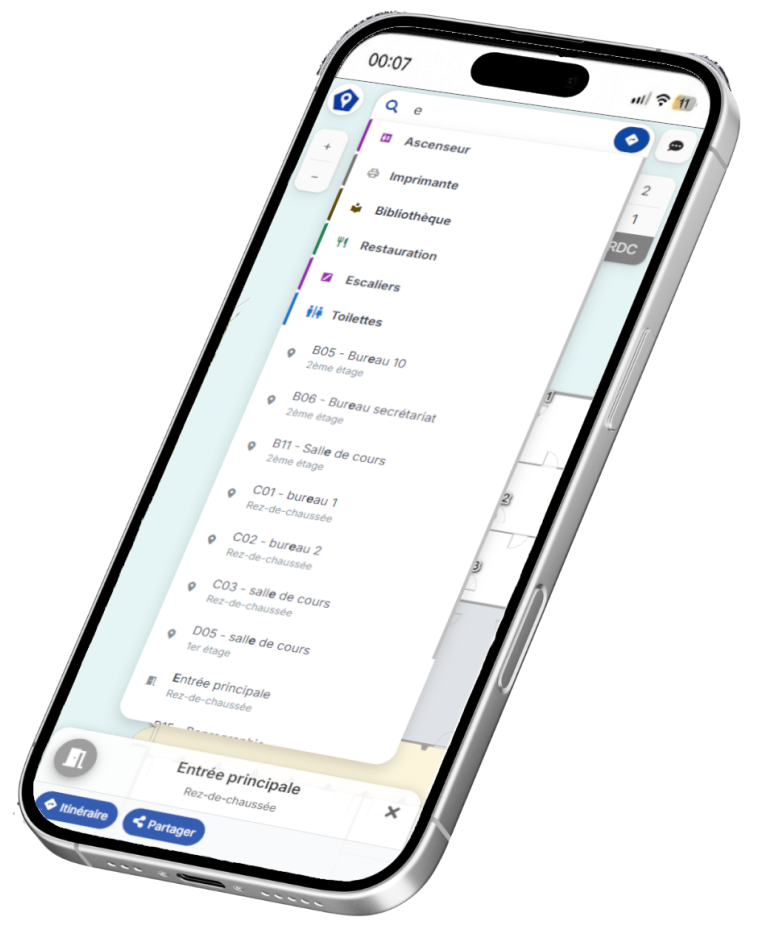
Whatever the venue — university, hospital, local council, shopping centre — the visitor experience stays the same: scanning a QR code or simply following a link is enough to access the interactive map directly, with no account to create and no app to install. Visitors browse, search for a place or a route, and find it in seconds from their smartphone.
Before / after
| Criteria | Current process | ownMap – Interactive map |
|---|---|---|
| Arriving somewhere unfamiliar | Searching by sight, following signs or asking staff | Instant access to the map via a link or QR code |
| Format used | Paper map or memorising verbal directions | Interactive map on your own smartphone |
| Finding a specific place | Wandering blindly or asking repeatedly | Direct search and guided route |
| Relying on someone else | Having to ask for directions on site | Complete independence, no need to ask anyone |
| Availability | Only on site, during opening hours | Accessible before, during and after the visit |
| Accessibility | Accessible (PMR) routes rarely shown | Accessible routes included natively |
| Overall feeling | Stress or wasted time in an unfamiliar place | A smooth, reassuring experience from the moment you arrive |
Don’t see your sector listed yet ?
Let’s talk about your project
We’ll work with you to assess the feasibility and rollout of ownMap tailored to your activity, whatever your sector.